LiveModules
Verified capability suitable for normal customer operations.
Typical workflow
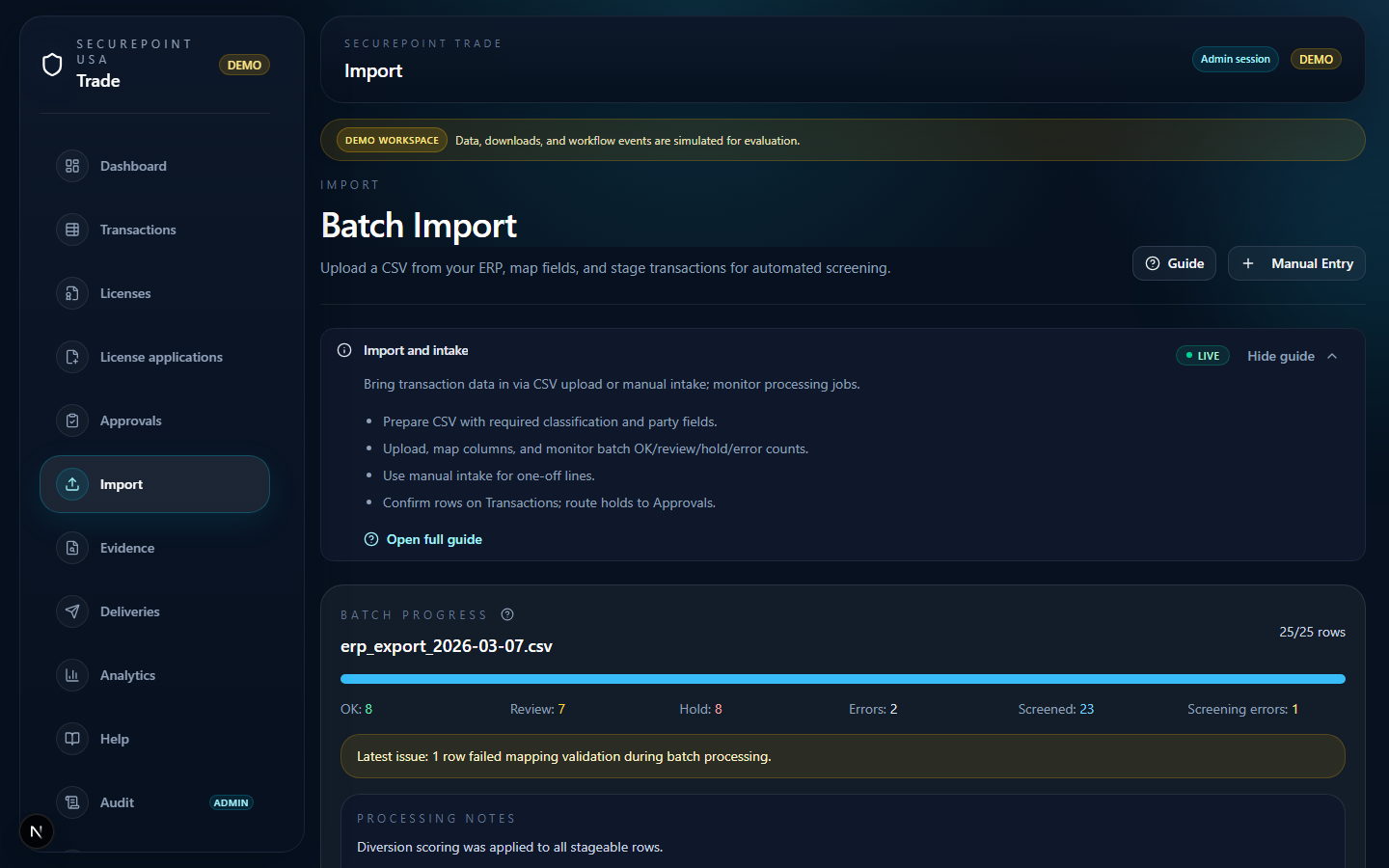
- Prepare CSV with required classification and party fields.
- Upload, map columns, and monitor batch OK/review/hold/error counts.
- Use manual intake for one-off lines.
- Confirm rows on Transactions; route holds to Approvals.
CSV import
Upload a mapped CSV to bulk-create or update transactions. Validation errors should surface in the UI with actionable messages — silent failure is a launch blocker; report missing columns or invalid rows to your administrator.
Manual intake
Use manual intake for one-off lines or corrections. Required fields depend on your org policy configuration. Incomplete intake will block downstream certification.
Processing jobs
Managers can inspect the Processing workspace for job status. Large imports may run asynchronously; refresh or return to Transactions once processing completes.
In the browser
- Sidebar → Import — confirm upload and manual intake areas.
- In demo, skip upload if Transactions already has seeded rows.
- After a real upload, open Transactions and filter for hold/error counts.
Related guides
Related workspaces
Extended operator documentation: docs/user-guides/import-workflow.md in the Trade repository (for administrators and implementers).