LiveGetting started
Verified capability suitable for normal customer operations.
Read this first if export control is new
Trade assumes you will adjudicate holds and document rationale. This guide defines product terms only — your Empowered Official and counsel own regulatory interpretation.
Words you will see every day
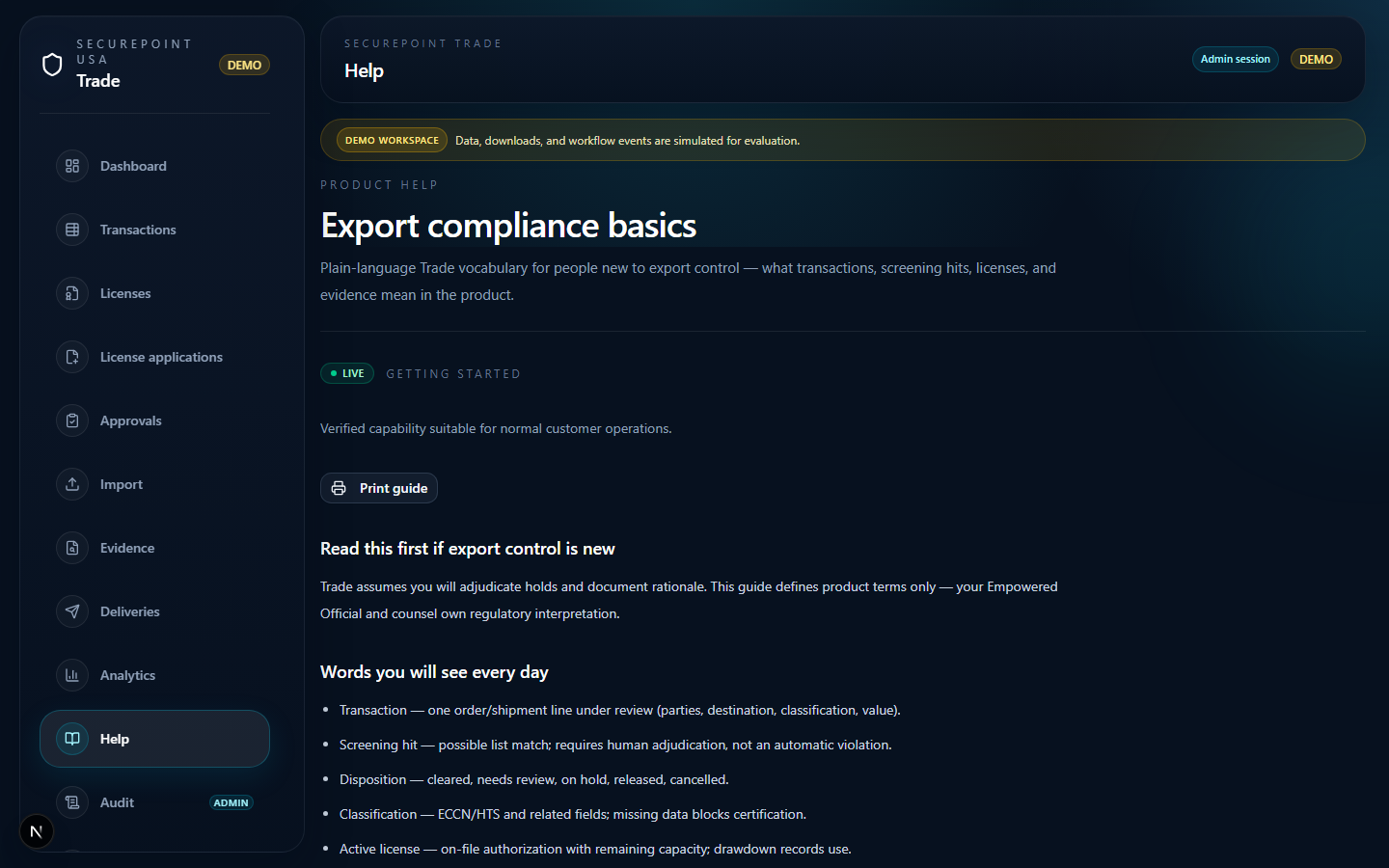
- Transaction — one order/shipment line under review (parties, destination, classification, value).
- Screening hit — possible list match; requires human adjudication, not an automatic violation.
- Disposition — cleared, needs review, on hold, released, cancelled.
- Classification — ECCN/HTS and related fields; missing data blocks certification.
- Active license — on-file authorization with remaining capacity; drawdown records use.
- License application — in-product draft and EO approval; regulator filing is manual.
- Evidence pack — regenerated audit bundle for a transaction ID.
What Trade does not do
- File to BIS, DDTC, OFAC, or AES/ITN.
- Replace your ERP or shipping execution system.
- Auto-clear screening hits without a documented human decision.
Next step
Open Start here by role for your first-week checklist, then use the Guide button on each workspace.
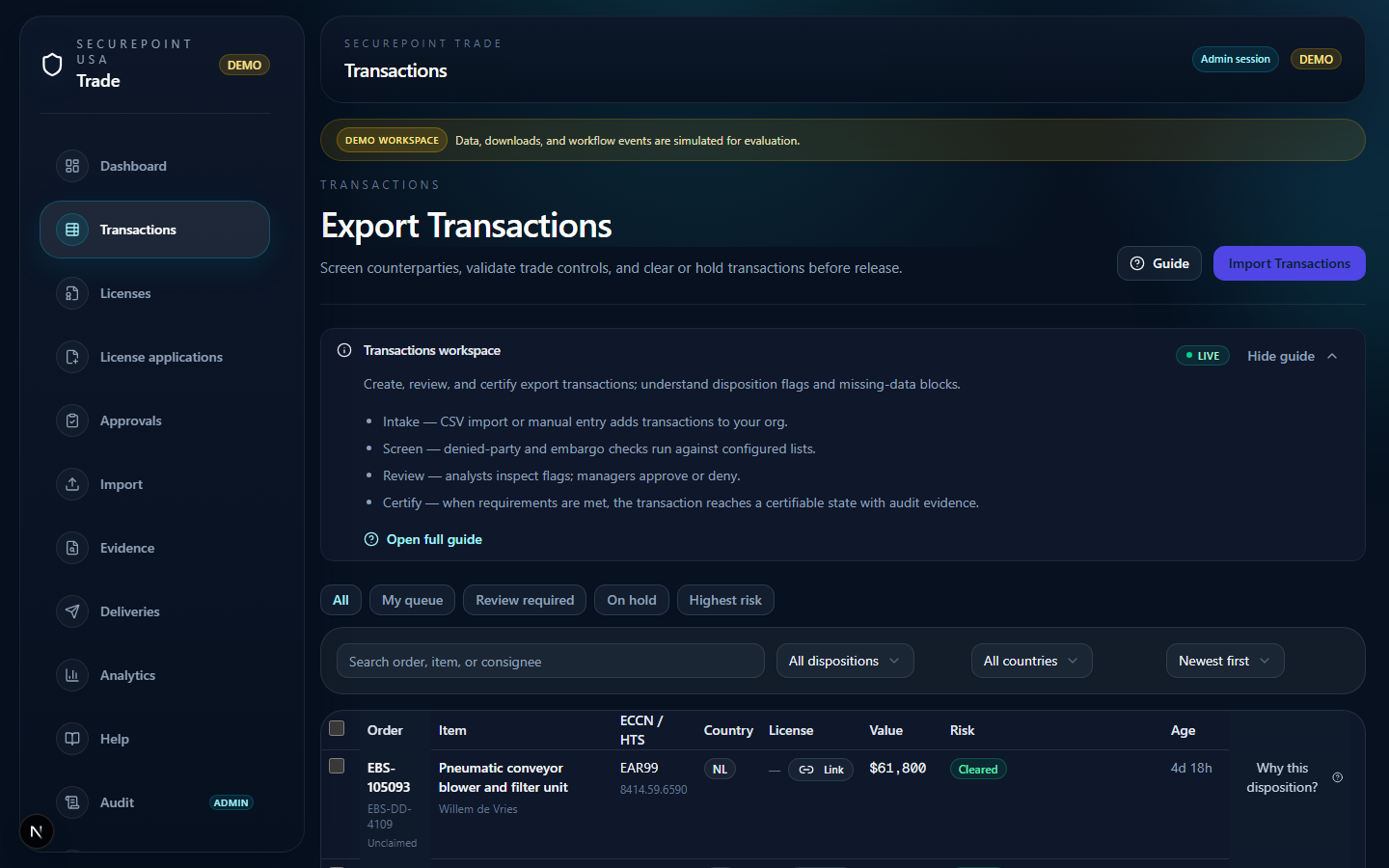
- Sidebar — Transactions selected
- Filter bar
- Disposition badges
- Row state indicator
In the browser
- Open this article from /help or press ? on Dashboard and search “basics”.
- Skim Words you will see every day — you will match these labels on Transactions rows.
- Open Transactions from the sidebar and find disposition badges on the list.
- Click one order number — on detail, locate Trade context and screening sections.
Related guides
Related workspaces
Extended operator documentation: docs/user-guides/compliance-basics.md in the Trade repository (for administrators and implementers).